Sketch freely
A clean canvas with nothing in the way. Draw lines, shapes, and ideas the moment they appear.
Sketch & store
Sketchbug is a simple place to sketch ideas, doodles, and diagrams, then save them so they are always there when you need them again.
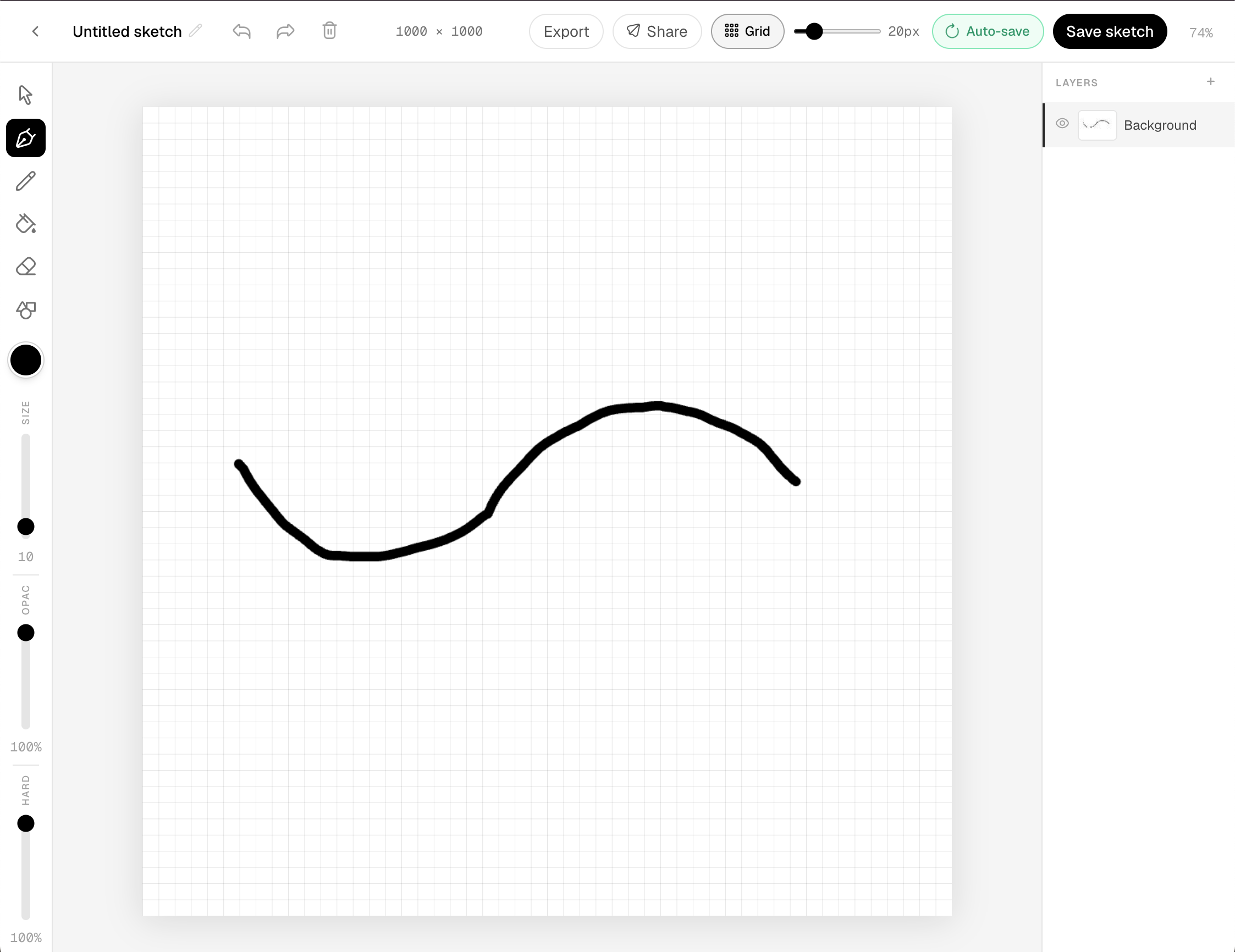
A clean canvas with nothing in the way. Draw lines, shapes, and ideas the moment they appear.
Every sketch is stored automatically. Pick up where you left off without losing a single stroke.
Your drawings live in one place. Browse, reopen, and keep building on what you already made.
Every sketch you save lives in your personal library. Come back to it on any device, pick up where you left off, or start something new.
Layered history
Undo and redo as far back as you need.
Soft brushes
Control hardness, opacity, and size freely.
Auto-saved
Save to your library with one click.
Any canvas size
From pocket doodle to full poster.
Live sketch is real-time collaboration inside the editor you already use. Open a saved sketch, start a session, and draw with friends while strokes, cursors, and layers stay in sync.
Pro users can host sessions. Anyone you invite can join for free with a Sketchbug account and the session link or email invite.
Learn more about live sketch
Work on one shared canvas in real time. Strokes appear for everyone as they happen.
Send an email invite to a Sketchbug user or copy a session link to share anywhere.
Named cursors, participant avatars, and a Live together badge keep the room visible.
Brush Hub is where you create custom brushes, publish them for the community, and save favorites from other artists, all synced to your account and ready in the sketch editor.
Most pro art software treats brush sharing as an external marketplace or file exchange. Sketchbug builds it in — browse, save, and sketch with community brushes without leaving the app.
Learn more about Brush Hub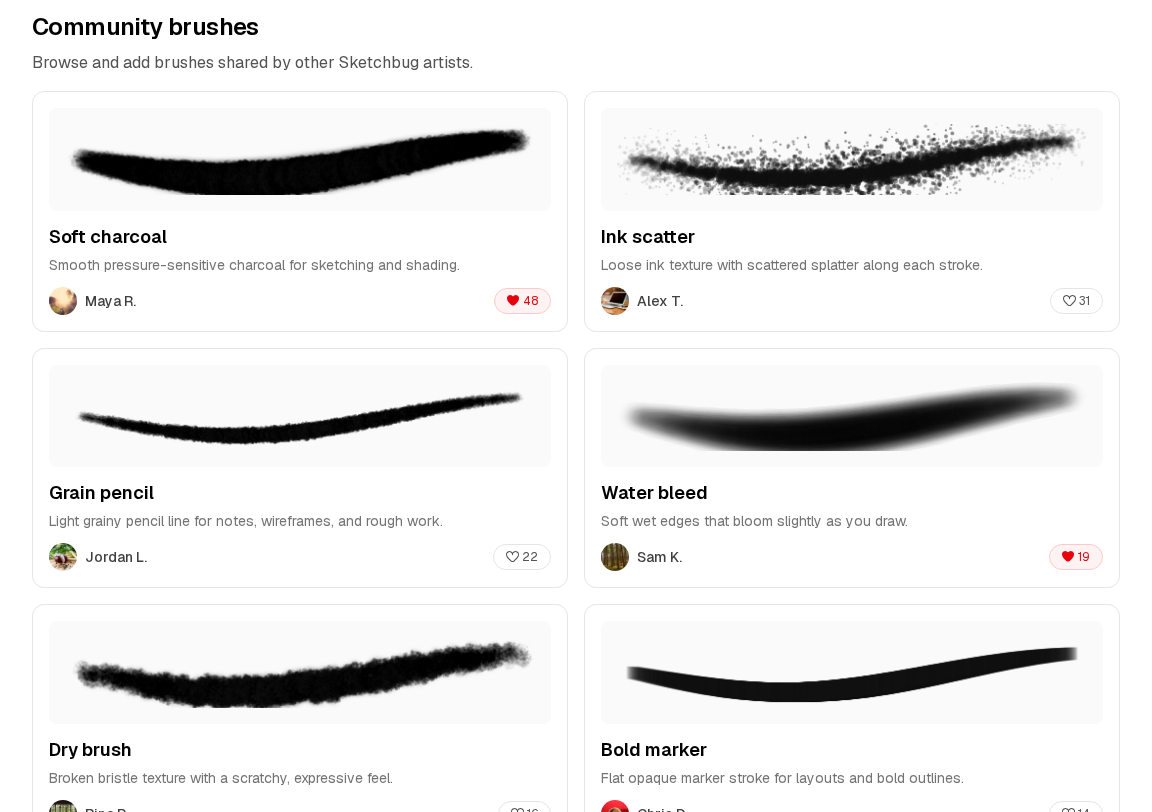
Design custom brushes with a live preview. Tune shape, texture, and behavior until it feels right.
Publish brushes to the community so other artists can find and use your work.
Browse brushes from other creators, save favorites to your library, and use them while you sketch.
Font Hub is where you upload custom typefaces, publish them for the community, and use your favorites in the sketch editor, all synced to your account and ready when you add text to a drawing.
Learn more about Font Hub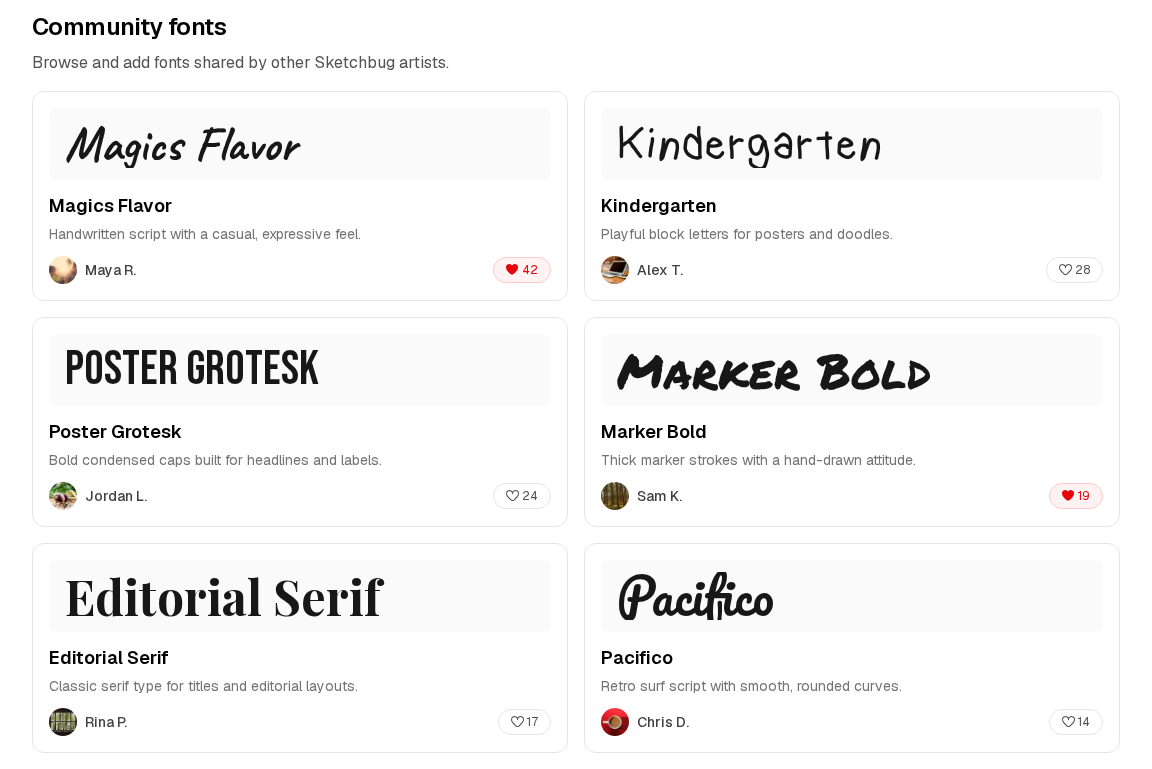
Add .ttf, .otf, .woff, or .woff2 files to your library. Each font previews in its own typeface.
Publish fonts to the community so other artists can discover, like, and save your work.
Choose any font from your library when you place text on the canvas.