One shared canvas
Everyone draws on the same sketch with the same layers, brushes, shapes, and text tools you already use in Sketchbug.
Live sketchbeta
Live sketch brings real-time collaboration into the Sketchbug editor. Host a session from any saved sketch, invite people by email or link, and see strokes, cursors, and layers update for everyone in the room.

Invite
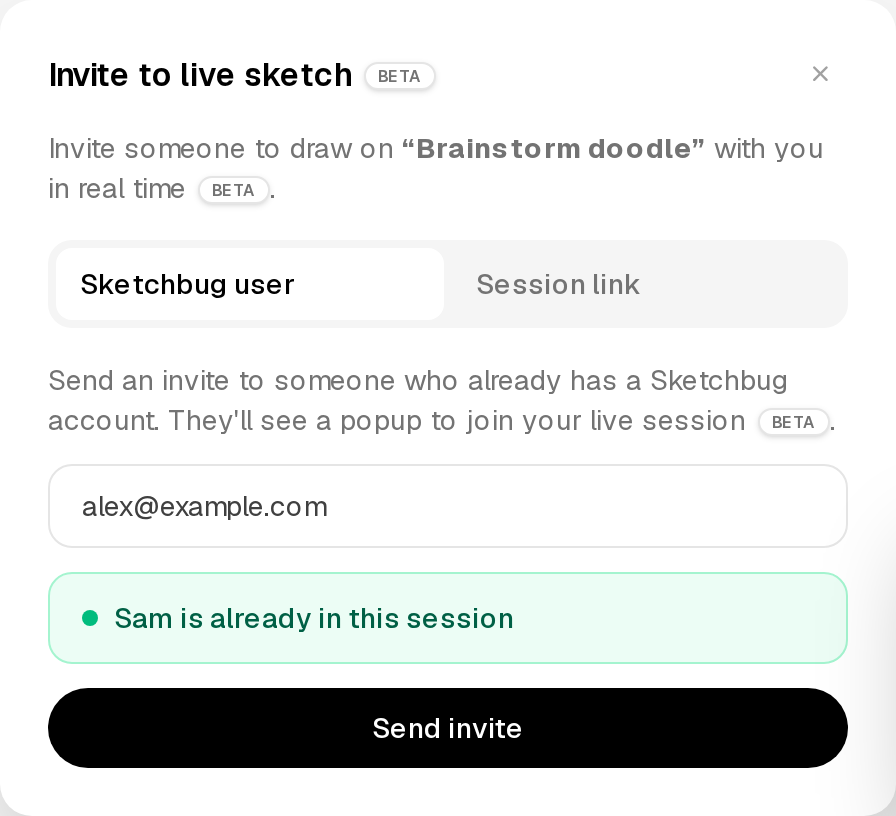
Open the invite modal from an active session. Send an in-app invite to a Sketchbug user, copy a session link, or see when someone is already in the room.
Everyone draws on the same sketch with the same layers, brushes, shapes, and text tools you already use in Sketchbug.
Pen, pencil, eraser, brush, fill, and more sync as they happen so you are not waiting on file exports or copies.
Starting a live session requires Pro. Joining a session someone else hosts is free — you just need a Sketchbug account.
Enter a Sketchbug user's email from the invite modal and they receive a popup to join your session right away.
Copy a shareable link from the invite modal and send it through chat, email, or anywhere else.
See who is in the session, remove a participant if you need to, or end the session for everyone when you are done.
Join
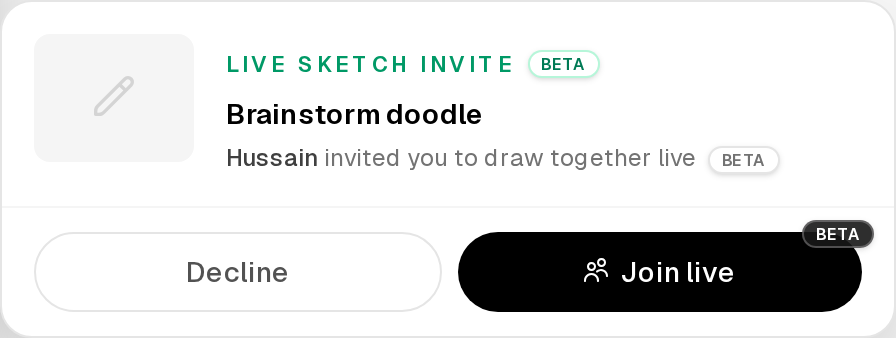
When someone invites you to a live session, a popup appears on whatever screen you are on. Accept to jump straight into the shared canvas — no Pro required to join.
Live sketch works from sketches in your library. Start a new sketch and save it first if you need a fresh canvas.
Click Live sketch in the header. If you are on Pro, the session starts immediately and you can invite people.
Invite by email or share the session link. Everyone sees the same canvas update in real time until the host ends the session or a guest leaves.
You need Pro to host a session. Joining a session that someone else started is free — ask a Pro friend to host and send you the link or an email invite.
Click Invite in the header during an active session. Enter a Sketchbug user's email to send an in-app invite, or copy the session link and share it anywhere.
Live sketch uses the same Sketchbug editor: layers, pen, pencil, eraser, custom brushes from Brush Hub, shapes, text, fonts from Font Hub, and fill.
Collaborative drawing is complex — connections drop, people join late, and multiple artists may work on the same layer at once. Live sketch works today, and we are actively improving sync and stability based on real sessions.
When the host ends the session or leaves, guests are returned to their library. Guests can also leave on their own without ending the session for everyone else.
More answers on the FAQ.
Also in Sketchbug
Create custom brushes, share them with the community, and use them while you sketch online.
Learn more