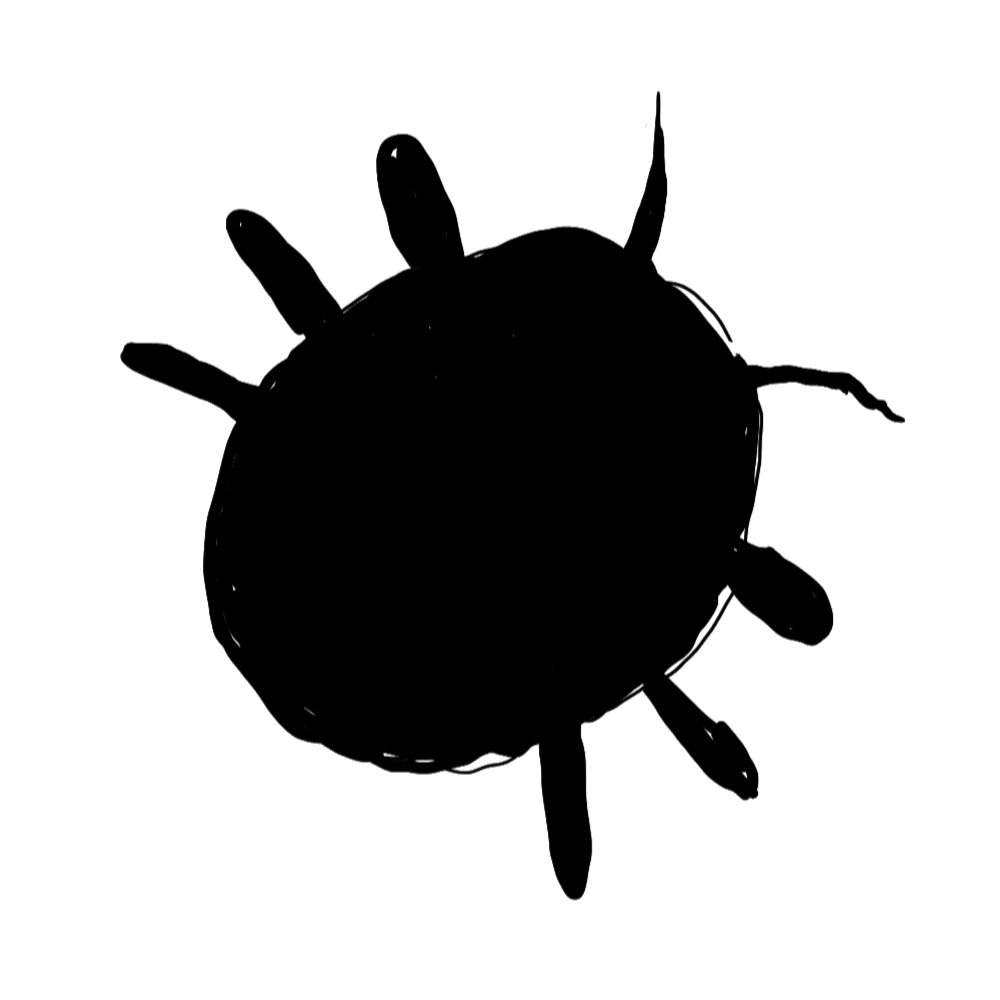
Turn photos into stamps
Pick the Image tip shape and upload a PNG, JPG, or TIFF. Your photo becomes the brush stamp, ideal for textures, patterns, or custom marks.
Brush Hub
Brush Hub lives inside Sketchbug. Create stamp shapes and textures, browse what other artists share, and use community brushes in the sketch editor without a separate marketplace or file exchange.
Community
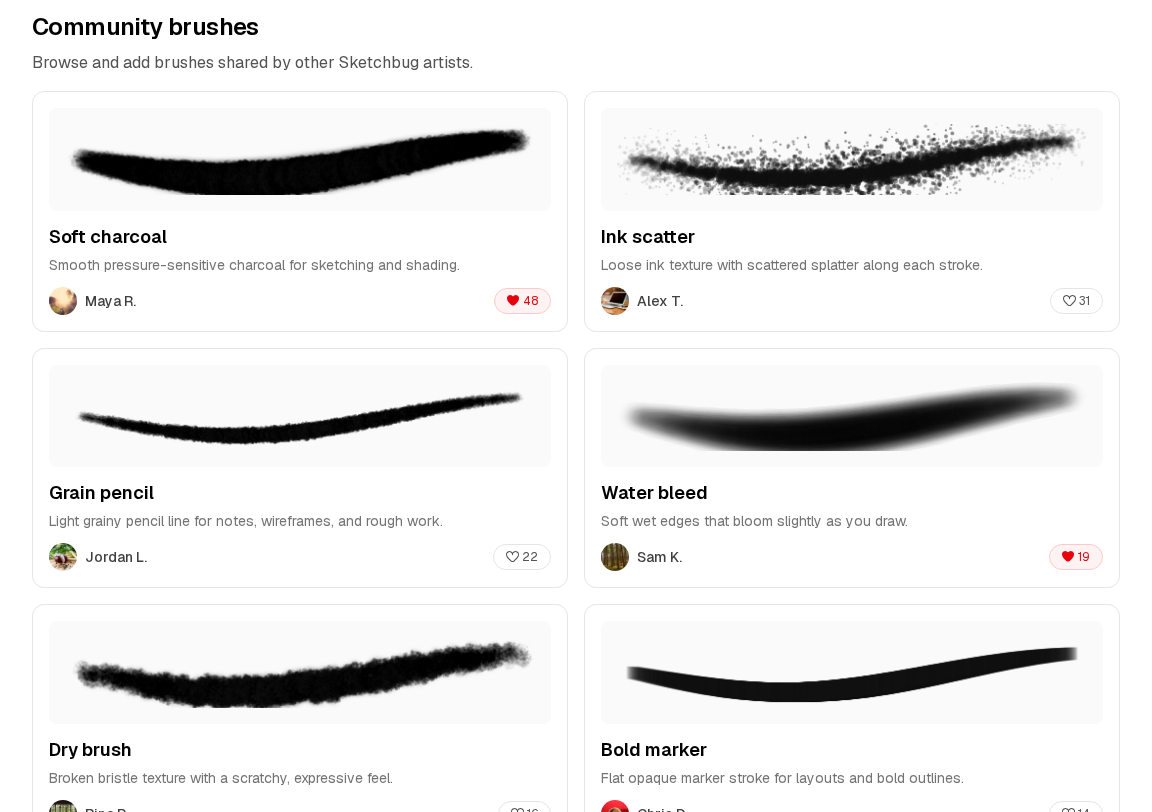
Preview strokes, heart favorites, and save community brushes to your library in one click. Everything stays synced to your account and ready in the editor.
Pick the Image tip shape and upload a PNG, JPG, or TIFF. Your photo becomes the brush stamp, ideal for textures, patterns, or custom marks.
Share brushes from your library in one click. Other artists can like, download, and save them without leaving Sketchbug.
Saved brushes appear in the sketch editor brush panel, ready on any layer alongside pen, pencil, and fill tools.
Add a community brush to your library, duplicate it, and edit the copy to make a variation that fits your style.
Every brush you create or collect lives in Your brushes, synced across devices and ready whenever you open the editor.
Browse community uploads by newest, likes, or downloads to find fresh brushes and popular picks.
Create
Tune tip shape, spacing, texture, and stamp behavior while a preview stroke updates in real time. Test size, hardness, and opacity on the canvas before you save.
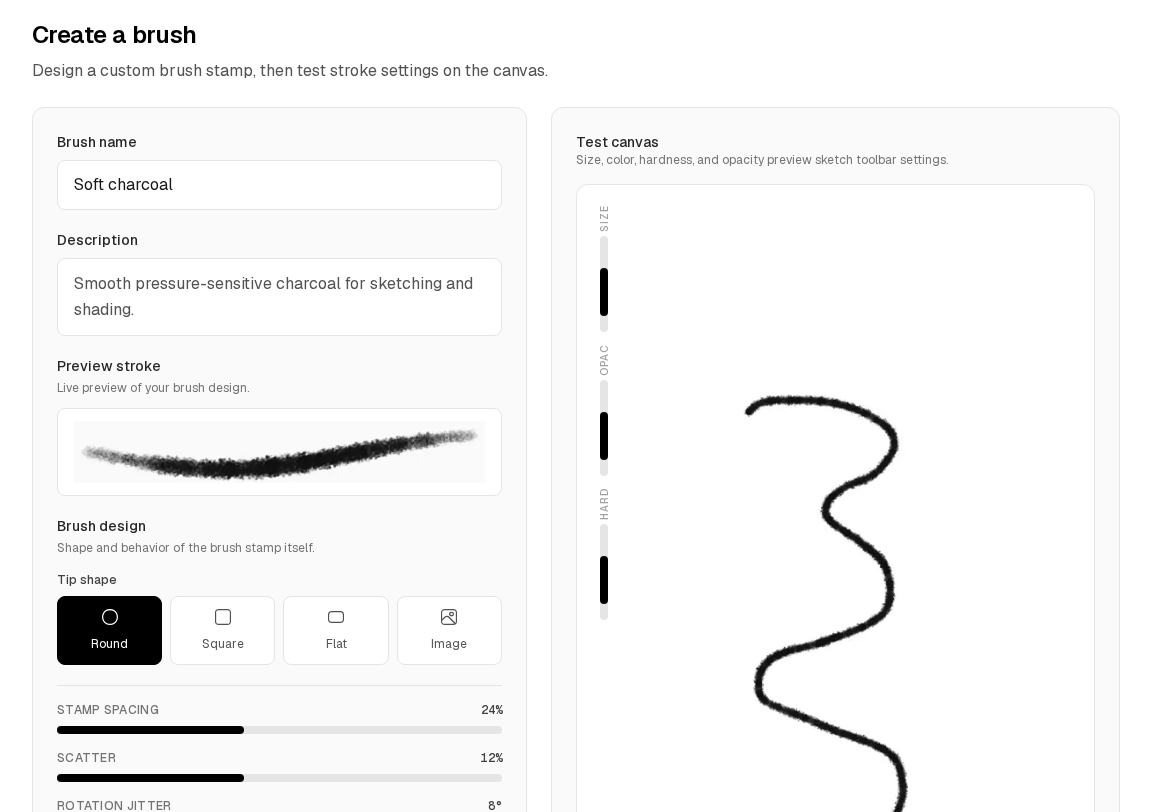
Open Brush Hub from your library and go to the Create tab. Design a stamp, preview the stroke, and test it on the canvas.
Publish your brush to the community, or browse shared brushes and add the ones you like to your library.
Pick the brush from the editor toolbar and draw on your canvas. Community saves stay synced to your account.
Leaderboard
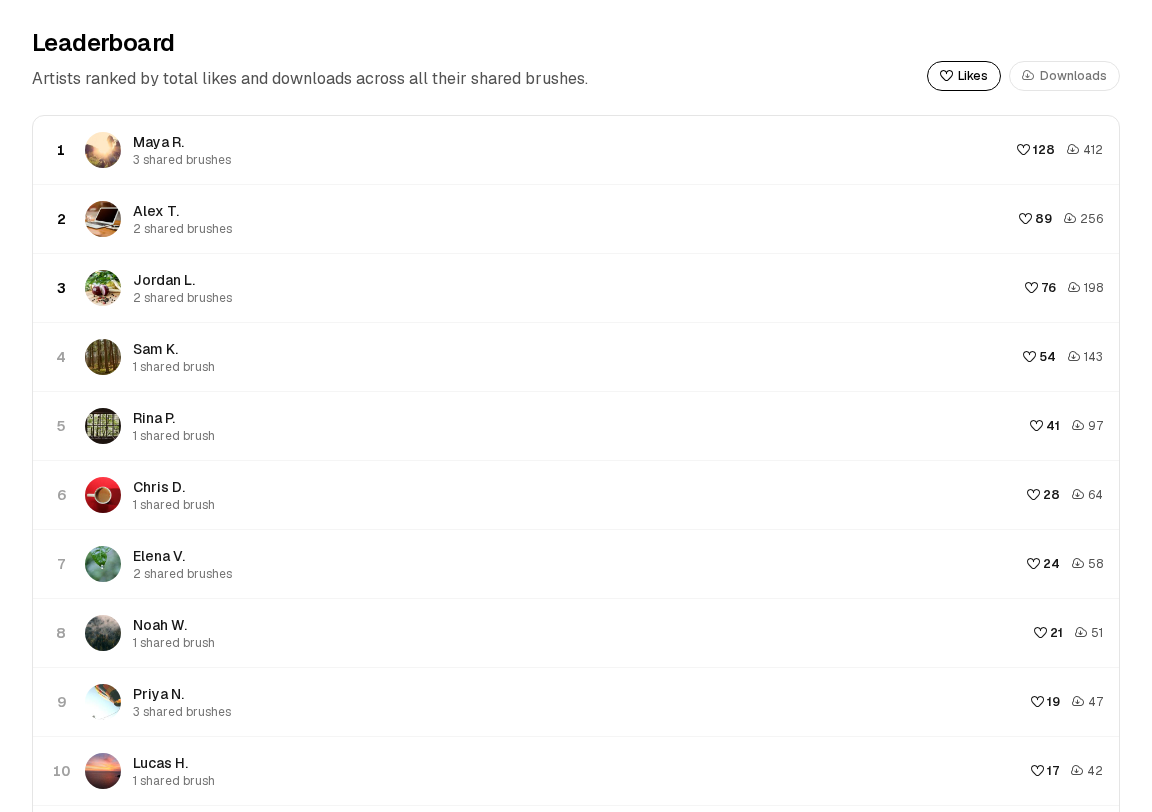
The leaderboard ranks artists by total likes and downloads across everything they have shared, a quick way to find popular creators and standout brushes.
Many desktop art programs treat brush sharing as something you do outside the app: buying packs from a marketplace, downloading files, or trading brushes on forums. Brush Hub is part of Sketchbug: create, share, browse, and use community brushes without a separate workflow.
Yes. In the brush creator, choose the Image tip shape and upload a PNG, JPG, or TIFF. The image is used as the stamp for your brush, and you can rotate it to match the direction you draw.
Yes. Brush Hub lives inside your library after you sign in. Creating, saving, and sharing brushes all require an account so your collection stays synced.
You can save community brushes to your library and duplicate them to create your own editable copy. The original author's shared version stays unchanged.
Saved brushes appear in the brush tool panel inside the sketch editor, alongside Sketchbug's built-in drawing tools.
More answers on the FAQ.
Also in Sketchbug
Upload custom typefaces, share them with the community, and use your fonts when you add text to a sketch.
Learn more